
Roll the World Controls
Last updated:
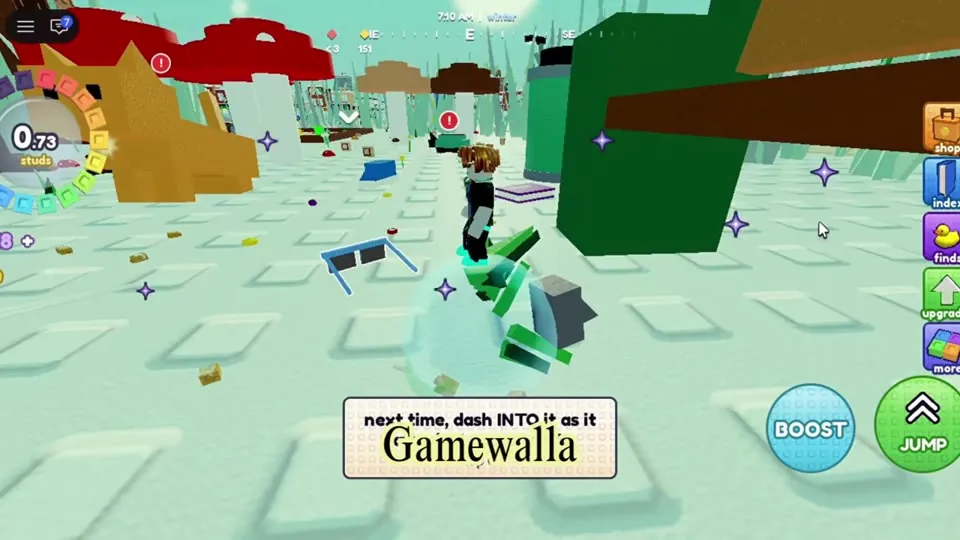
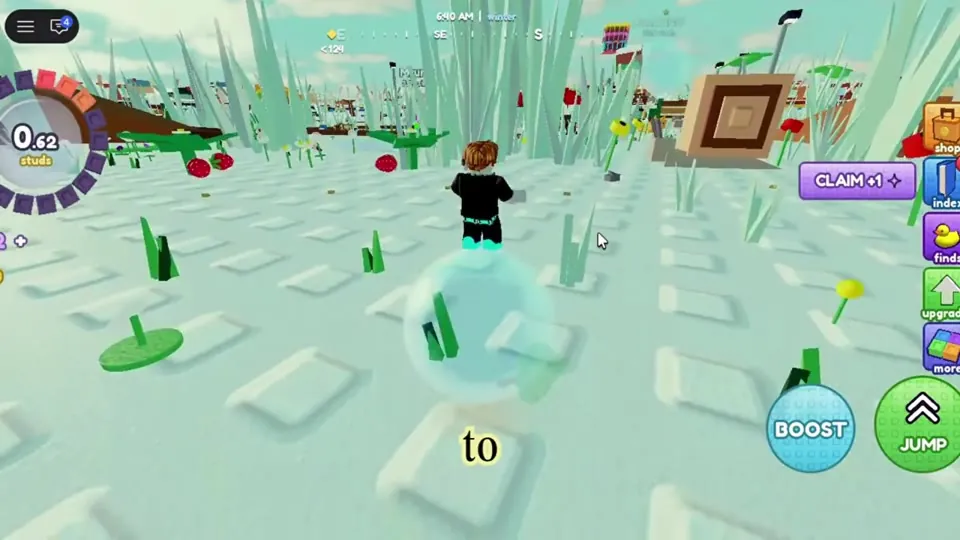
roll the world supports PC, mobile and console. You steer your ball the way you move a normal Roblox character. Boost makes you dash and Jump makes you hop. On mobile, both are round buttons on the right of the screen.
Controls by device
| Action | Mobile | PC | Console |
|---|---|---|---|
| Move / roll | Left thumbstick | WASD or arrow keys to be verified | Left stick to be verified |
| Camera | Drag the screen | Right mouse drag to be verified | Right stick to be verified |
| Boost / dash | BOOST button | Shift to be verified | to be verified |
| Jump | JUMP button | Space to be verified | A / Cross to be verified |
Mobile footage (GameWala, Oct 25, 2026) confirms the Boost and Jump buttons. The PC and console keys in the table are the usual Roblox defaults, but nobody has confirmed them in this game yet, so they are marked to be verified.
Boost and stamina
Boost is a short dash. The stamina upgrade makes it last longer and hit harder. Stamina goes up to level 10. Level 1 raises your boost bonus from +15% to +30%, and at level 8 the menu shows +120% going to +135%. Use boost to:
- Dash into a threat as it attacks, which counters it (this comes from the in-game tip).
- Reach a rare find before other players do.
- Cross empty roads and fields quickly.
Magnet range
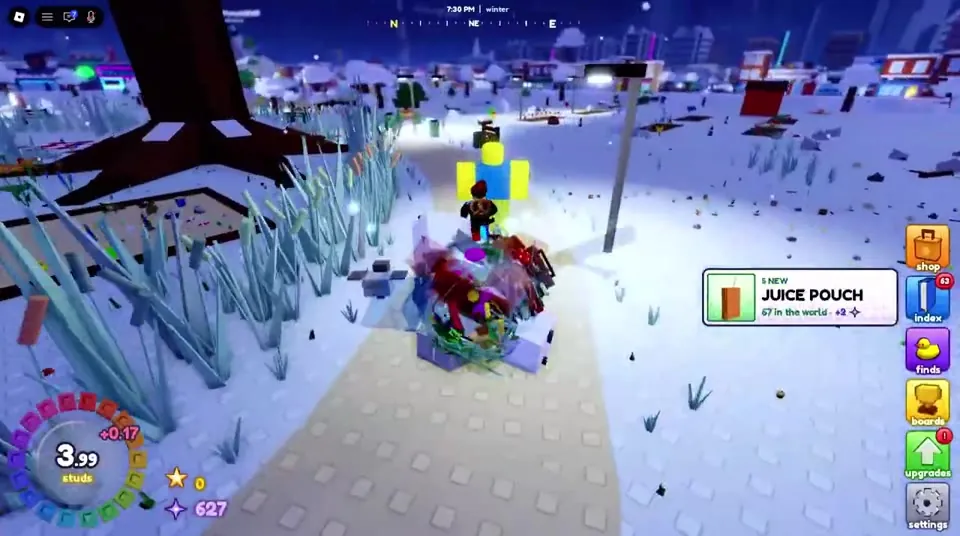
You don't have to touch every object. The magnet upgrade (up to level 10) and the super magnet pass (+50% range, R$149) pull things onto your ball from farther away.
HUD shortcuts
The column on the right holds the daily, space, shop, index, finds, boards, upgrades and settings buttons. On console, some buttons may show a controller letter. In one video a "Y" appears next to space to be verified.
Graphics and lag fixes
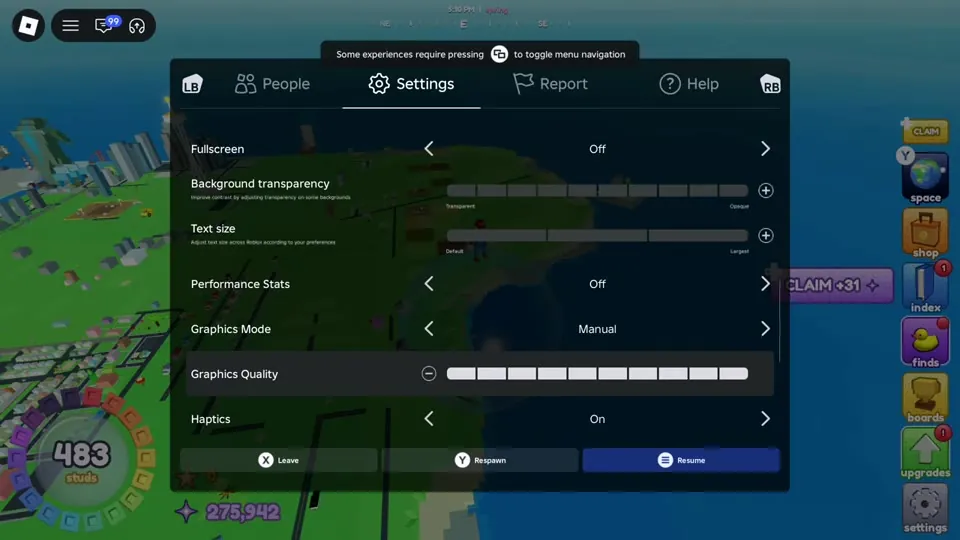
- At about 129 studs a tip pops up: "can't see the ground? In Roblox settings, raise graphics quality so the ground shows further."
- If the game gets laggy, a hint under the Make a Star dialog says "laggy? turn on performance mode in settings".
- On a weak phone, lower the graphics in the Roblox menu (Settings → Graphics Mode → Manual).
Sources: gameplay videos by RobloMine (Oct 24), Mono's Roblox Lounge! (Oct 24), Blue Shark (Oct 25), GameWala (Oct 25) and Guillaume Brien (Oct 26, 2026), plus the official game description. Menus, numbers and prices can change in updates. Anything unconfirmed is labelled to be verified.
Frequently asked questions
How do you boost in roll the world?
On mobile, press the BOOST button. On PC it is probably Shift (to be verified). Stamina upgrades make your boosts stronger.
Can you play roll the world on console?
Yes. The official description says it supports PC, mobile and console.